

How To Create A Personal Cloud Server
Today, most cloud storage services make it easy to store your files, but your data is kept on computers owned by someone else.
Creating your own personal cloud storage is an easy way to take back control. With a self-hosted cloud storage solution, you decide where your files are stored, who can access them, and how long they stay available. You can also use your own domain name to access your cloud and securely download files from anywhere.
In this guide, we will explain what it means to create your own cloud, how do-it-yourself (DIY) cloud storage works, and the important things to think about before setting up your own cloud storage system.
What Is A Personal Cloud
A personal cloud is your own private file storage system that lets you access and sync files between different devices.
It connects to your home network and allows you to open your files from a computer, tablet, or smartphone whenever you need them.
Unlike services such as Google Drive or Dropbox, a personal cloud stores your files on equipment that you control instead of using a third-party company’s servers.
Public
In a public cloud, a company provides and manages the computers and storage needed to run applications.
For example, apps need resources such as memory, storage space for data, and processing power to work properly. In a public cloud, these resources are supplied and maintained by the cloud provider, so you do not have to manage them yourself.
Private
In a private cloud, one company or organisation owns and manages all of the computers, storage, and equipment needed to provide its technology services.
This means the organisation has full control over how the system works and who can access it.

Hybrid
Hybrid cloud computing is a mix of public cloud services and private systems that are kept at a home, office, or company location.
These two systems work together, allowing files, applications, and data to be shared between them. This can provide more flexibility and help everything run more smoothly and efficiently.
Benefits Of Using Your Own Private Cloud
Creating your own cloud storage has many benefits:
- Access your files from almost anywhere, just like popular cloud storage services.
- Keep important and private information under your own control.
- Add more storage space when you need it or reduce it if you do not.
- Choose the security settings that work best for you.
The good news is that you do not need to be a technology expert to get started. A Virtual Private Server (VPS) can be an affordable option for beginners, while a Dedicated Server can provide more power and storage for larger projects.
With the right tools and guides, setting up your own cloud storage can be easier than you might think, and you will learn useful technology skills along the way.
Drawbacks
While a private cloud has many benefits, it also has some disadvantages that are important to understand:
- Higher setup costs: Building a private cloud often requires buying computers, storage devices, and other equipment. It may also require people with technical skills to set everything up and manage it.
- More maintenance: Someone needs to look after the system by installing updates, fixing problems, and making sure everything is running properly.
- Less flexible growth: A private cloud can only use the hardware you own. If you need more storage or power, you may have to buy additional equipment. Public cloud services can often grow much more easily.
- Harder to access on mobile devices: Extra security settings can sometimes make it more difficult to access a private cloud from phones and tablets.
For many people and organisations, the extra control and privacy of a private cloud are worth the effort. However, it is important to understand the costs, maintenance, and limitations before getting started.
Do You Need Linux/Ubuntu Server?
No, you do not have to use Linux or Ubuntu Server for self-hosting. While Linux is very popular because it is reliable, efficient, and has lots of community support, you can also use Windows, macOS, or special storage systems called NAS devices.
Ubuntu is a popular choice, but it is not the only option.
Different operating systems are better for different situations:
- Ubuntu: A great choice for beginners because it is easy to learn and has lots of guides available.
- Debian: A simple and stable version of Linux that focuses on reliability.
- Rocky Linux and AlmaLinux: Good options for people who need compatibility with certain business systems.
- Fedora: Includes newer software and features, making it useful for people who like the latest technology.
- Windows Server: A good choice if you need Microsoft software or Windows-only applications.
The best operating system depends on what you want your server to do.
For most beginners, Ubuntu is usually the best place to start because it is easy to use, well documented, stable, and commonly used for self-hosting projects.

Can You Build A Personal Cloud Using Windows/Mac
Yes, you can use your current Windows PC or Mac to create your own personal cloud.
By installing special self-hosted software, your computer can act like a private server. This allows you to store and sync files, back up photos, and even stream music or videos to your other devices.
This gives you more control over your data and can help you avoid paying monthly subscription fees for cloud storage services.
What Personal Cloud Software Is Available
Storing and syncing files in the cloud can make life easier and help keep your data safe.
Cloud storage lets you access your files from different devices, share them with other people, and keep a backup in case something is lost or damaged.
Many cloud storage services also make it easy to restore your files if something goes wrong, helping protect your important documents, photos, and other data.
Nextcloud Server
Nextcloud is a free software program that lets you create your own cloud storage system. It can be used by individuals, families, schools, and businesses to store, share, and access files.
Nextcloud was created from an older project called OwnCloud, and both are open-source alternatives to popular cloud services like Google Drive, iCloud, and Amazon Web Services.
Like those services, Nextcloud lets you store files online and access them from different devices. The difference is that you can run it on your own server, giving you more control over your data and privacy.
Nextcloud is available as a free version for most users, and there is also a paid version with extra features and support for businesses.
Seafile
Seafile is a self-hosted cloud storage system that helps you store, sync, and share files across different devices.
It allows multiple people to work with the same files, share folders with each other, and access their data through a web browser, computer, or mobile app.
One of Seafile’s biggest strengths is that it can quickly sync files between devices while giving administrators control over storage space and user access.
Seafile is a good choice for people or teams who want their cloud storage to feel like a normal folder on their computer while still making it easy to share files and work together.
OpenCloud
Today, more people than ever are looking for self-hosted cloud storage so they can have greater control over their files and data.
However, many cloud storage options have their downsides. For example, Nextcloud includes lots of features, but it can sometimes feel slow and use a lot of computer resources, especially on older or less powerful devices.
OpenCloud is a newer file syncing platform that focuses on being fast, simple, and easy to use. It is designed to provide cloud storage and file sharing without requiring as much power as some other solutions.
OwnCloud
OwnCloud is a self-hosted cloud storage system that lets you store, sync, and share files while keeping control of your own data.
It allows you to access files from your computer, phone, or web browser, and makes it easy to share files with other people using links and permission settings.
OwnCloud can also be expanded with extra tools for things like calendars and contacts. It can even connect with other software and systems when needed.
This makes OwnCloud a flexible option for people and businesses that want their own private cloud storage and collaboration platform.
Which Personal Cloud Software Is Best For Me?
The best cloud storage services work well with other apps and tools that you already use.
This makes it easy to open, view, edit, and share your files without needing to move them between different programs.
When choosing a cloud storage service, it is a good idea to pick one that works smoothly with your existing software. This can save time and make managing your files much easier.

How To Make Your Own Personal Cloud In A Few Clicks
Setting up your own personal cloud can be easier than you might think. Many platforms provide step-by-step instructions, and some can be installed with just a few clicks.
Here are some popular options:
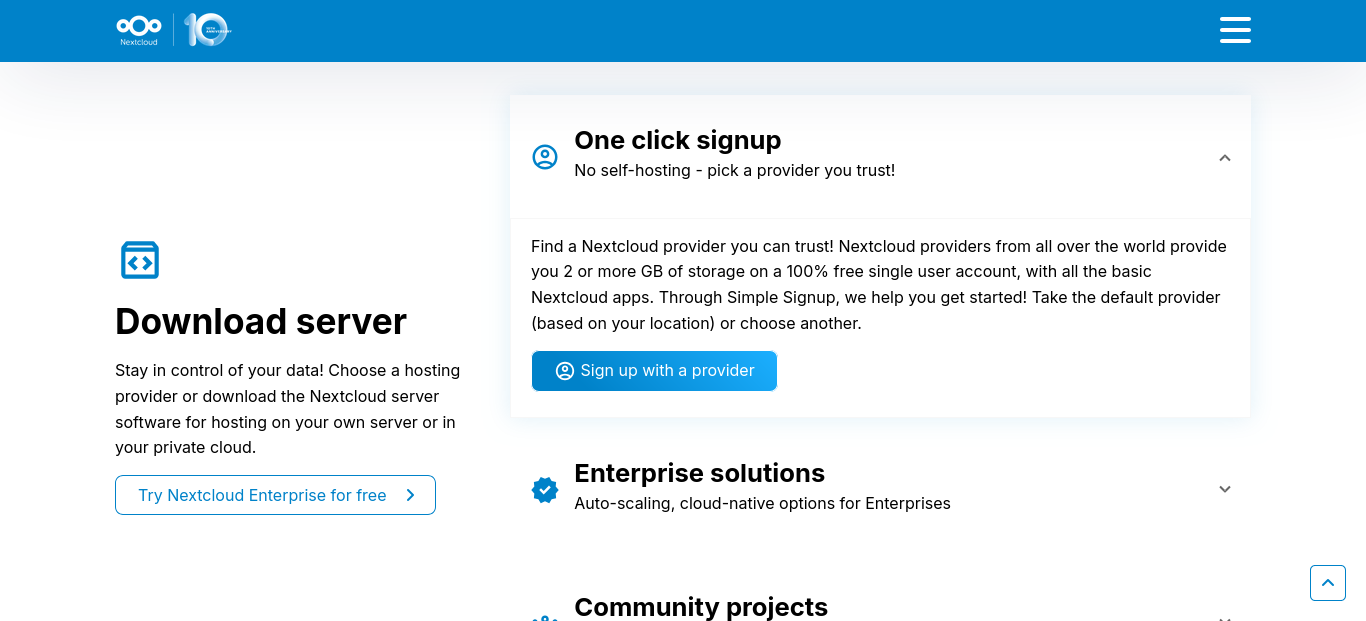
- Nextcloud Installation Guide: https://nextcloud.com/install/#one-click-signup
A beginner-friendly option that offers simple setup tools and lots of online support. - Seafile Setup Guide: https://plus.seafile.com/org/register/
A fast and efficient cloud storage platform. You will need Docker and Docker Compose to install it. - OpenCloud Installation Guide: https://opencloud.eu/en/install-opencloud-simply-your-own-server
Designed for users who are more comfortable with technology. Docker is required for installation. - OwnCloud Setup Guide (Linux): https://owncloud.com/blogs/lifehacker-how-to-set-up-your-own-private-cloud-storage-service-in-five-minutes-with-owncloud/
A flexible self-hosted cloud solution. Linux users will need Docker and Docker Compose. - OwnCloud Online for Windows and Mac: https://owncloud.online/
An easier option for Windows and Mac users who want to get started quickly.
No matter which option you choose, most platforms provide guides to walk you through the setup process. If you are new to self-hosting, Nextcloud is often the easiest place to start because it has a large community and plenty of beginner-friendly documentation.